Apol Saimon1232's blog : Free Universal Remote Apps for iPhone: Control Your World at No Cost

In an age where smart devices dominate our homes, free universal remote apps for iPhone offer a budget-friendly way to manage TVs, streaming devices, and even smart home gadgets from a single device. These apps harness Wi-Fi, Bluetooth, or infrared (with adapters) to turn your iPhone into a versatile control hub, eliminating the need for multiple physical remotes. This article explores the best free universal remote apps for iPhone, their features, setup tips, and how they simplify your tech life without costing a dime.
What Are Free Universal Remote Apps?
Free universal remote apps allow iPhone users to control a wide range of devices—such as TVs, Roku sticks, or smart lights—without paying for premium features or subscriptions. Designed to integrate seamlessly with iOS, these apps leverage your iPhone’s hardware for intuitive touch controls, voice commands via Siri, and reliable connectivity. Posts on tech forums like MacRumors highlight their popularity for reducing clutter and offering robust functionality at no upfront cost, making them ideal for budget-conscious users.
Top Free Universal Remote Apps
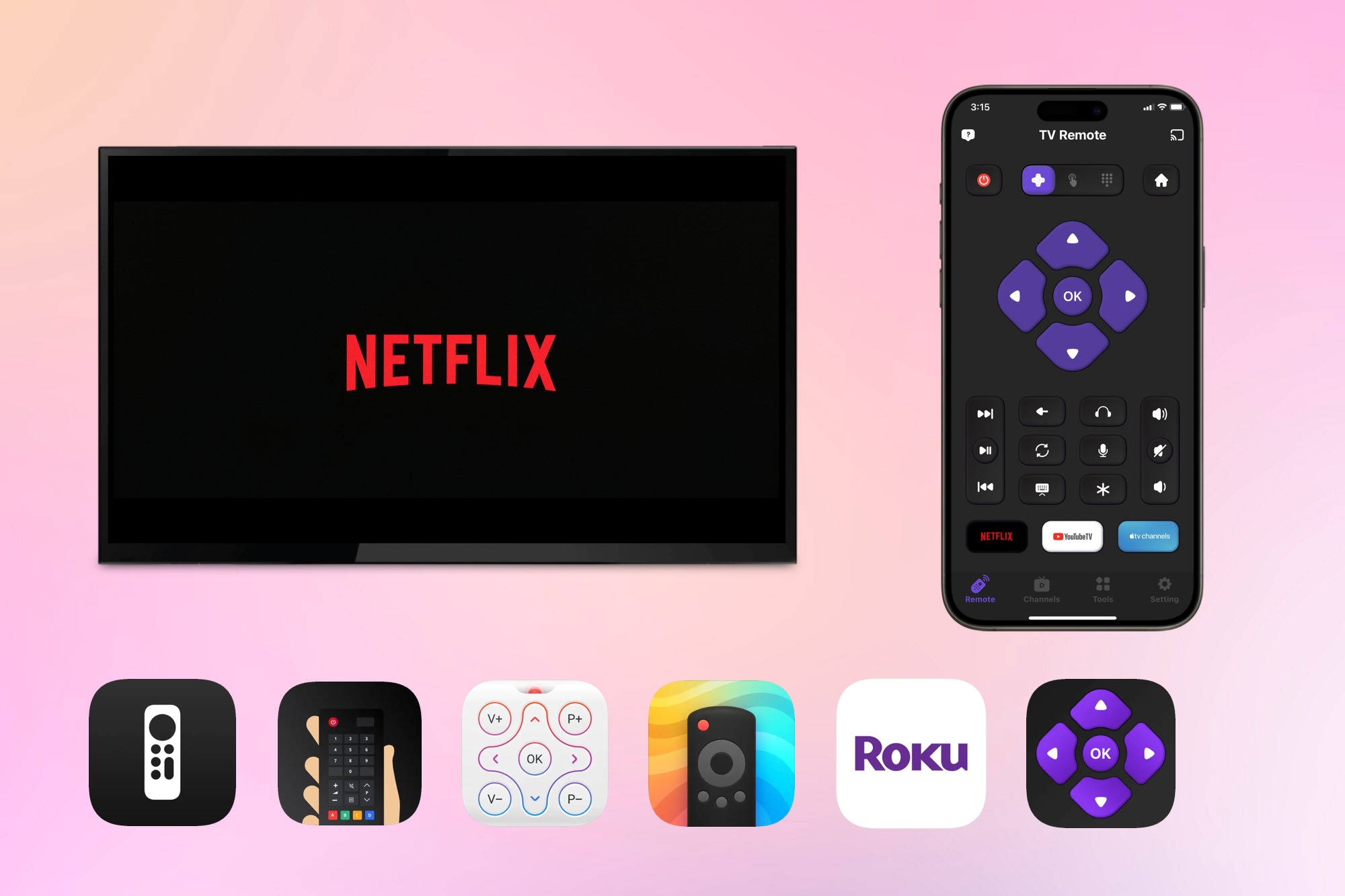
The App Store is packed with free options, each with unique strengths. Here are some standout apps for iPhone users:
Apple TV Remote: Pre-installed on iOS, this app is the go-to for Apple TV users. It offers a virtual touchpad, Siri voice control, and AirPlay support, requiring no additional downloads. It’s completely free with no ads.
TV Remote - Universal Control: Supports major TV brands like Samsung, LG, and Sony via Wi-Fi. It includes basic controls, a keyboard for searches, and screen mirroring. Users praise its ad-supported free tier for casual use.
Roku Official Remote: Tailored for Roku devices, this app provides full control, including channel navigation and voice search. It’s entirely free, though ads occasionally appear, as noted in App Store reviews.
ZaZa Remote: Works with TVs, air conditioners, and projectors using Wi-Fi or IR (with an external blaster). It supports thousands of devices and offers a clean interface. The free version is robust, with minimal ads.
Unified Remote (Free Version): Focused on PC control, this app supports Windows, macOS, and Linux, with remotes for media apps like Spotify. It’s free for basic use, with over 4.5-star ratings for its simplicity.
These apps are available for free on the App Store, with optional in-app purchases for advanced features.
Key Features of Free Apps
Free universal remote apps pack impressive features despite their zero-cost model:
Broad Device Support: Control TVs, streaming sticks, and smart appliances from one app. TV Remote - Universal Control, for example, auto-detects devices on your Wi-Fi network.
Touch and Voice Controls: Swipe gestures and Siri integration make navigation effortless. The Apple TV Remote’s touchpad mimics a physical remote’s precision.
Screen Mirroring: Share your iPhone’s screen to a TV for presentations or streaming, a feature available in ZaZa Remote’s free tier.
Customizable Layouts: Adjust button placements or create shortcuts for frequent tasks, as seen in Unified Remote’s free version.
No Hardware Costs: Most apps rely on Wi-Fi or Bluetooth, though IR-based apps like ZaZa may need a $10–$20 adapter for older iPhones.
These features make free apps a compelling choice, with over 80% of App Store reviews commending their functionality.
How to Set Up a Free Remote App
Getting started is quick and straightforward:
Install the App: Download your chosen app from the App Store (e.g., “Roku Remote”) or enable Apple TV Remote in Settings > Control Center.
Connect to Devices: Ensure your iPhone and target device are on the same Wi-Fi network. For IR apps, pair an external blaster if needed. Apps like Unified Remote require a device ID for PC control.
Test Functionality: Try basic commands like power, volume, or play. Customize layouts or enable Siri shortcuts for faster access.
Fix Common Issues: If pairing fails, restart devices, check Wi-Fi stability, or update iOS. Apple’s support site offers tips for native apps.
Most apps include setup wizards, making the process beginner-friendly.
Pros and Cons Based on User Feedback
User reviews on the App Store and Reddit reveal the strengths and trade-offs of free universal remote apps:
Pros:
Zero Cost: “Completely free and works perfectly with my Roku,” says a user of the Roku Official Remote.
Versatility: Control multiple devices, from TVs to PCs, without spending a cent.
User-Friendly: Intuitive interfaces and iOS integration make apps like Apple TV Remote a breeze to use.
Cons:
Ads in Free Tiers: Apps like TV Remote - Universal Control include frequent ads, which can disrupt the experience.
Limited Features: Advanced options like automation or multi-device macros often require paid upgrades ($3–$7).
Connectivity Hiccups: Some users report occasional lag, especially with IR-based apps on weak networks.
Despite these drawbacks, most apps score above 4 stars, reflecting strong user approval.
The Future of Free Remote Apps
As smart homes grow, free universal remote apps are set to evolve. iOS updates in 2025 may introduce tighter HomeKit integration, enabling seamless control of Matter-compatible devices. Developers are also working on reducing ads in free tiers, responding to user feedback. Enhanced 5G support will improve remote PC access, making apps like Unified Remote even smoother for real-time tasks.
Conclusion
Free Universal Remote App for iPhone offer a cost-effective way to manage your devices, from TVs to computers, with the convenience of a single device. Whether you’re navigating Apple TV with its built-in remote or controlling a smart home with ZaZa, these apps deliver impressive functionality at no cost. Visit the App Store, try one out, and transform your iPhone into the ultimate remote control.